OrangePI蓝牙:串口通信
边缘计算
上一篇文章描述了如何使用编程的方式去搜索附近蓝牙,这一次记录我如何编程与HC-06串口蓝牙模块通信。
搜索以及配对
如果自己写程序进行搜索与配对,会十分麻烦,这里我就偷懒,使用bluez自带的方式进行蓝牙的配对。 使用bluetoothctl配对蓝牙设备,操作如下:
bluetoothctl
scan on #开启搜索
devices #查看附近设备
scan off #关闭搜索
agent on #开启代理
default-agent
pair 98:D3:37:91:00:DD #配对蓝牙,会提示输入ping码
quit #退出
rfcomm通信
rfcomm是模拟串口的一种通信方式,与串口蓝牙也是以这个方式通信的。方式有两种。
命令行操作
sh rfcomm connect hci0 98:D3:37:91:00:DD & #放入后台执行出现一下内容代表建立rfcomm成功。sh Connected /dev/rfcomm0 to 98:D3:37:91:00:DD on channel 1现在我们可以通过对/dev/rfcomm0操作来发送数据,比如:sh echo "shell send hello!" > /dev/rfcomm0可以看到蓝牙接收到这条数据了: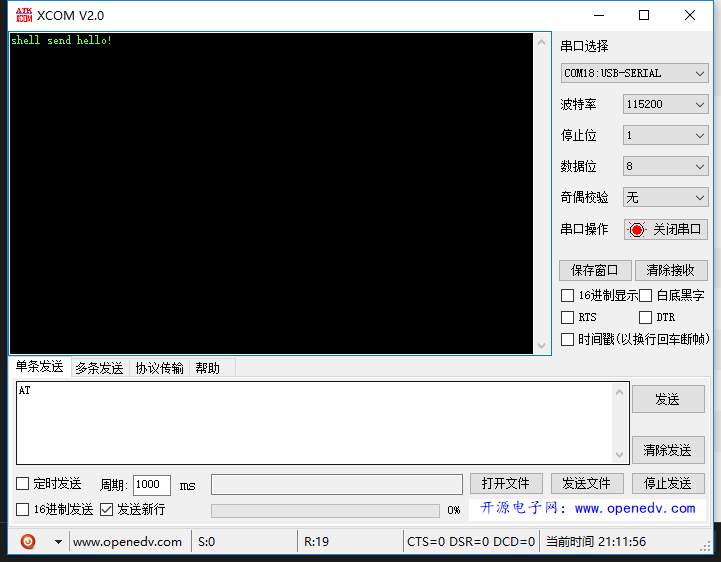
程序操作 编写程序如下(要先配对才可以):
#include <stdio.h>
#include <unistd.h>
#include <sys/socket.h>
#include <bluetooth/bluetooth.h>
#include <bluetooth/rfcomm.h>
#include "tlpi_hdr.h"
int main(int argc, char **argv)
{
    struct sockaddr_rc addr = { 0 };
    int s, status;
    char dest[18] = "98:D3:37:91:00:DD";

    // allocate a socket
    s = socket(AF_BLUETOOTH, SOCK_STREAM, BTPROTO_RFCOMM);

    // set the connection parameters (who to connect to)
    addr.rc_family = AF_BLUETOOTH;
    addr.rc_channel = (uint8_t) 1;
    str2ba( dest, &addr.rc_bdaddr );

    // connect to server
    status = connect(s, (struct sockaddr *)&addr, sizeof(addr));

    // send a message
    if( status == 0 ) {
        status = write(s, "C send hello!\n", 16);
    }

    if( status < 0 )
    {
        errExit("connct error");
    }

    close(s);
    return 0;
}
编译运行:
root@H5:~# gcc -o rfuart_client rfuart_client.c -lbluetooth
root@H5:~# ./rfuart_client
[1]+  Done                    rfcomm connect hci0 98:D3:37:91:00:DD
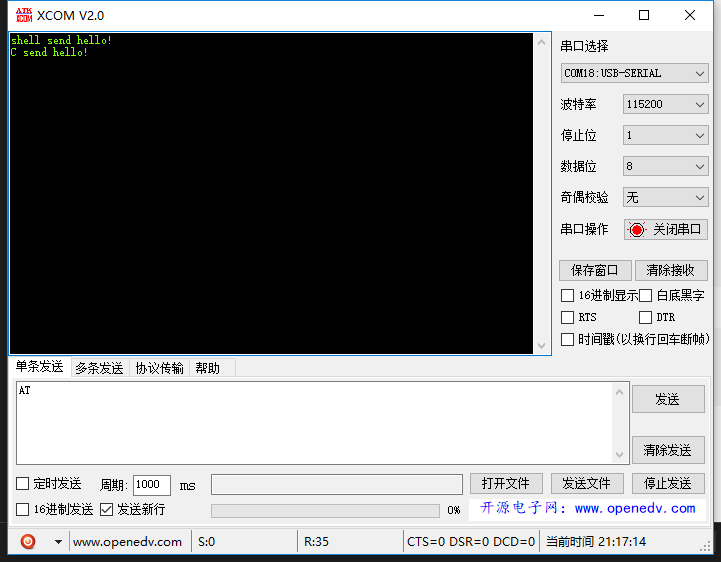
结果如下: